Help → Lists
Lists
A working set of projects. A project can sit in as many lists as you like.
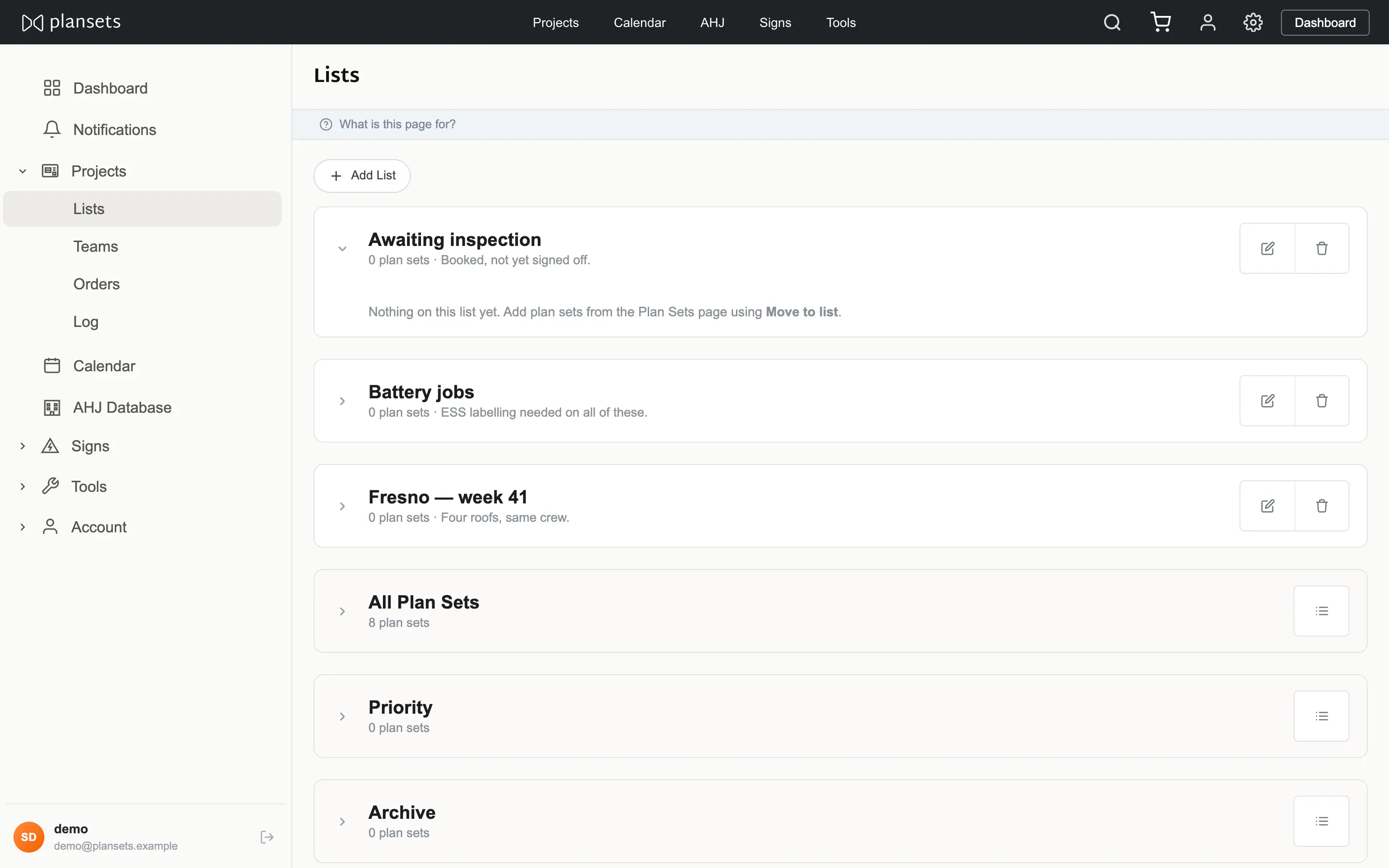
Create a list
Lists → Add list. The note field is optional and visible to everyone in your company.
Add projects
From the project, choose the list. Or from the projects page, tick several and use the bulk control.
Move between lists
Moving removes the project from the list you are in. Adding does not. For a project in both, add rather than move.
Who can see a list
Everyone in your company. Lists belong to the company, not to the person who made them.
Delete a list
The projects in it are not deleted. They stay in your projects page and in any other list they belong to.