Help → Settings
Settings
Everything here applies to your whole company, and to work from now on. None of it changes jobs already done.
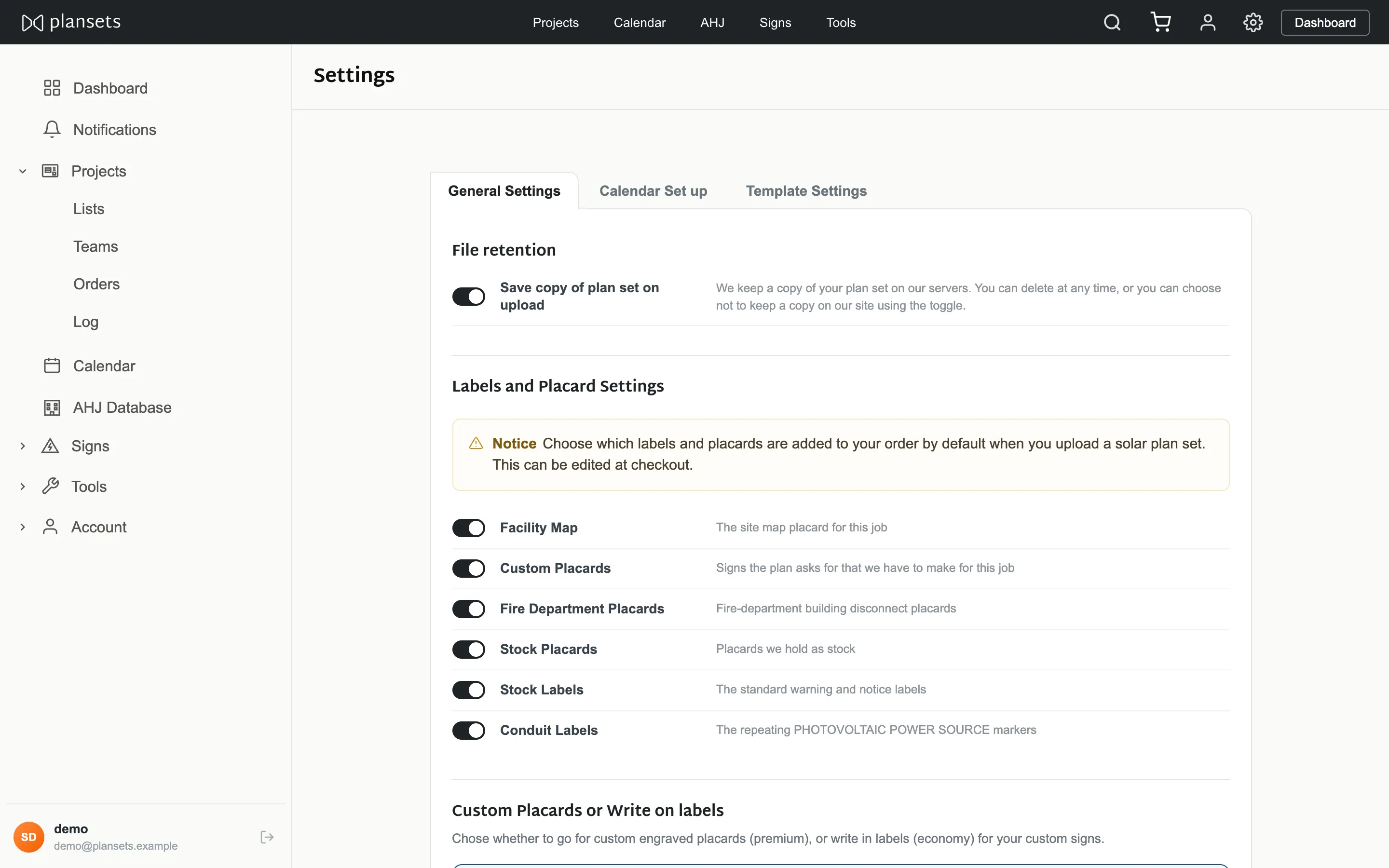
Message templates
The wording behind the send buttons, so it is not retyped per job.
Ordering preferences
Which label sections are ticked by default on a new quote. Any section can still be changed for one plan set at order time.
Write-in labels
Blank for completion on site, or printed with the values read from the plan set.
Expected dates
Two numbers: days from order to delivery, and days from install to inspection. They drive every expected date shown.
File retention
Whether uploaded plan set PDFs are kept.
This decides future uploads. It does not delete documents already held.
Delete your data
- Type DELETE in the confirmation box.
- Press Delete my data.
- You are signed out and shown a confirmation page.
It removes every project, plan set, list and team, and the documents uploaded with them.
Orders and invoices are kept. Tax law requires records of a sale to be
held for seven years. Your sign-in is disabled.