Help → Teams
Teams
Everyone in your company can see every project. Teams set who owns what, and drive the colour coding on the calendar.
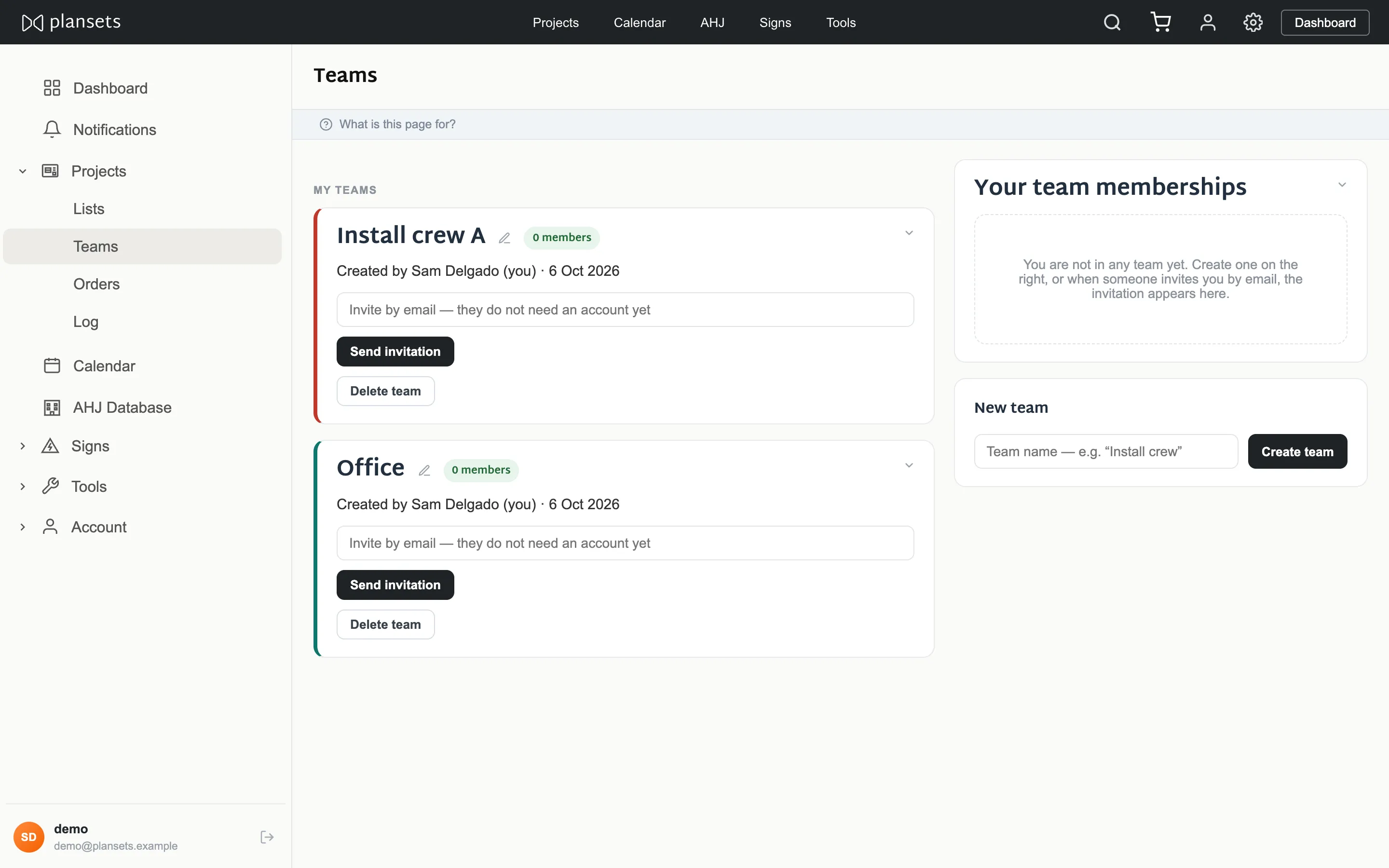
Create a team
Teams → Add team.
Invite someone
By email address. They do not need an account first — the invitation joins them to your company when they sign up.
Set a colour
From the palette, by the team owner only. It shows wherever the team's work appears, most usefully on the calendar.
Rename
In place. The page does not reload.
Remove someone
Removing them from a team does not remove them from the company, and does not touch the projects they worked on.