Help → Calendar
Calendar
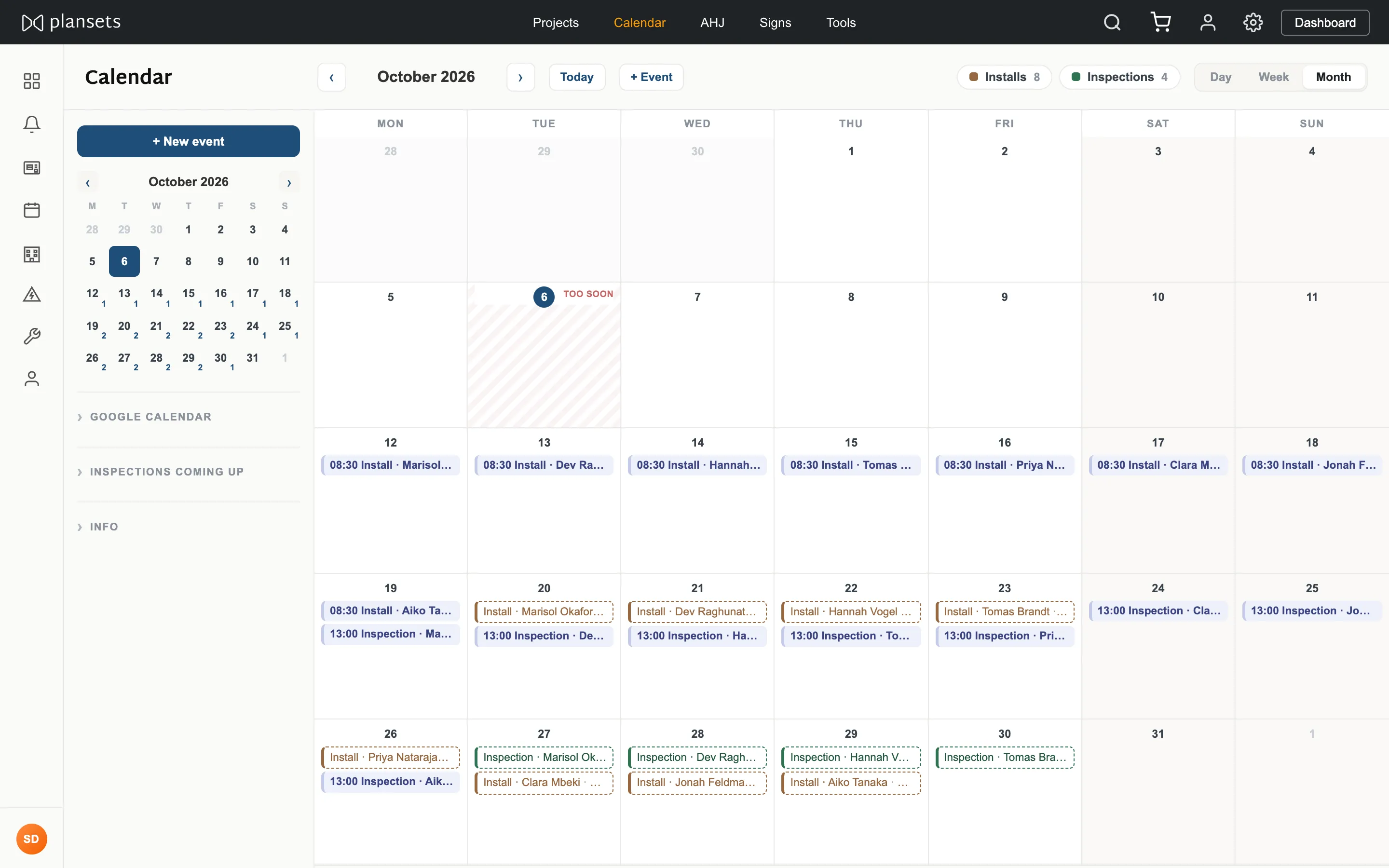
Installs and inspections for every project in your company, on one month view, with an optional link to Google Calendar.
Connect Google Calendar
Settings → Calendar, or the Google Calendar panel on the calendar page. Press Connect, choose a Google account, approve.
The permission requested is
calendar.app.created. It reaches
only a calendar this app created — not your existing calendars, not your other events.
Disconnecting deletes the token at our end.Add an event
- + New event, top left.
- Title, then install or inspection, then a date.
- Time and location are optional. No time means an all-day band.
- Attach it to a project and it shows on that project too.
Record an inspection
Set the date on the project. It appears here for everyone in your company.
Recording a date books nothing. The booking is made with the authority,
and the method differs by authority — check its page in the
AHJ database first.
Move a date
Drag the event. If Google Calendar is connected the change goes there too. The authority is not told.
Export one date
Each project offers an .ics download for its inspection. It is a file, not
a subscription — download it again if the date changes.
For Kev. Unconfirmed from the code: whether Google sync is one-way
or two, and whether an RSVP is visible company-wide or only to the organiser.