User guide → Creating your account
Chapter 2 of 9
Creating your account
The free label quote runs without an account. An account keeps projects, lists, calendar dates and order history, and lets colleagues see the same work.
Sign up
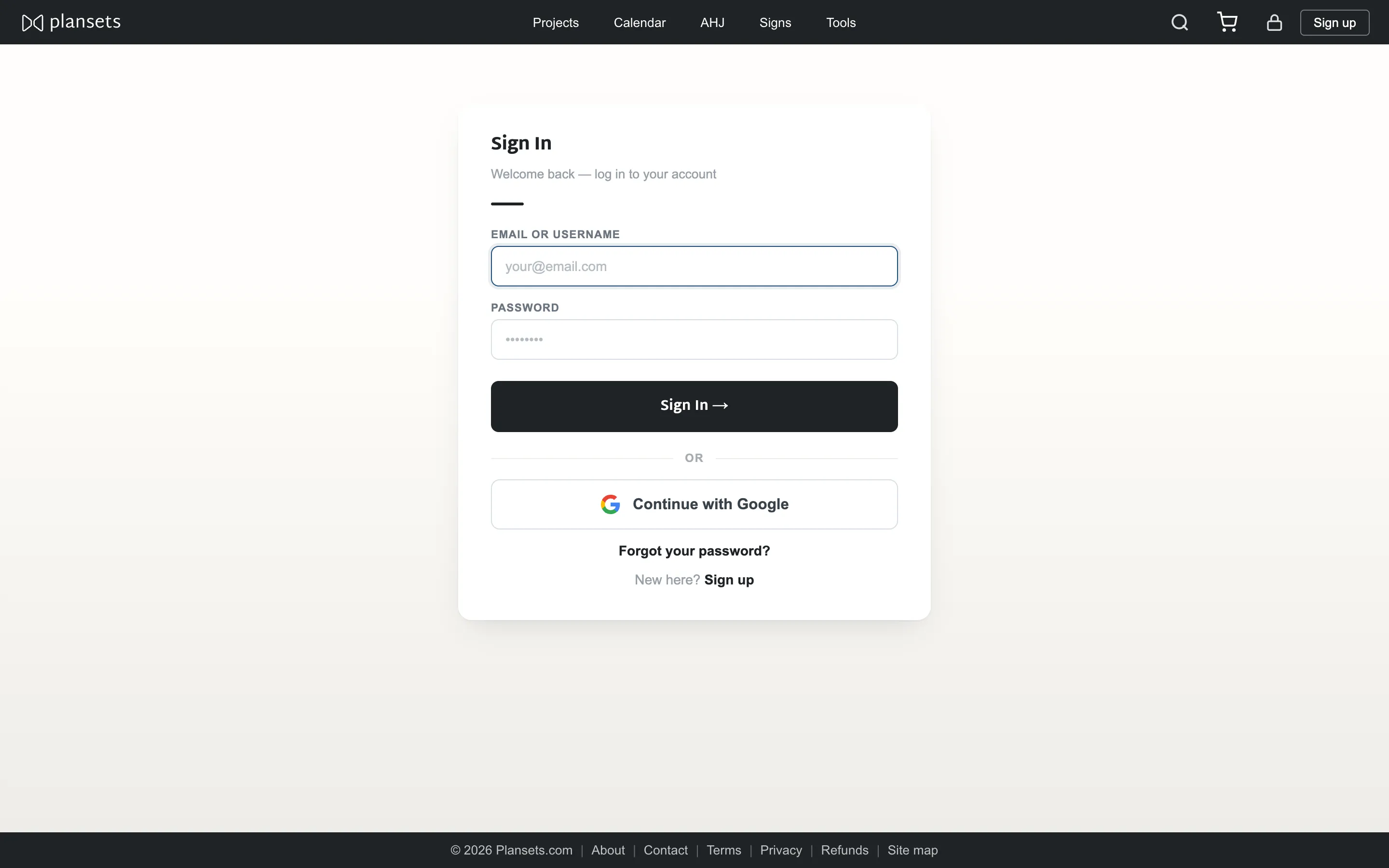
- Press Sign up and give an email address and a password, or use your Google account.
- Your company record is created with you as its first user.
- Add your company name and address in Account → Edit details. These become the defaults at checkout.
What the account gives you
- Projects that persist, with their stages and dates.
- Colleagues on the same company, seeing the same work.
- Order and invoice history.
- A calendar of installs and inspections.