User guide → Uploading your first plan set
Chapter 3 of 9
Uploading your first plan set
One action creates the project, reads the drawing and produces the label quote.
Upload
- Open Projects and press Start Job.
- Choose the PDF, or paste up to 50 links from Google Drive, Dropbox or Teams.
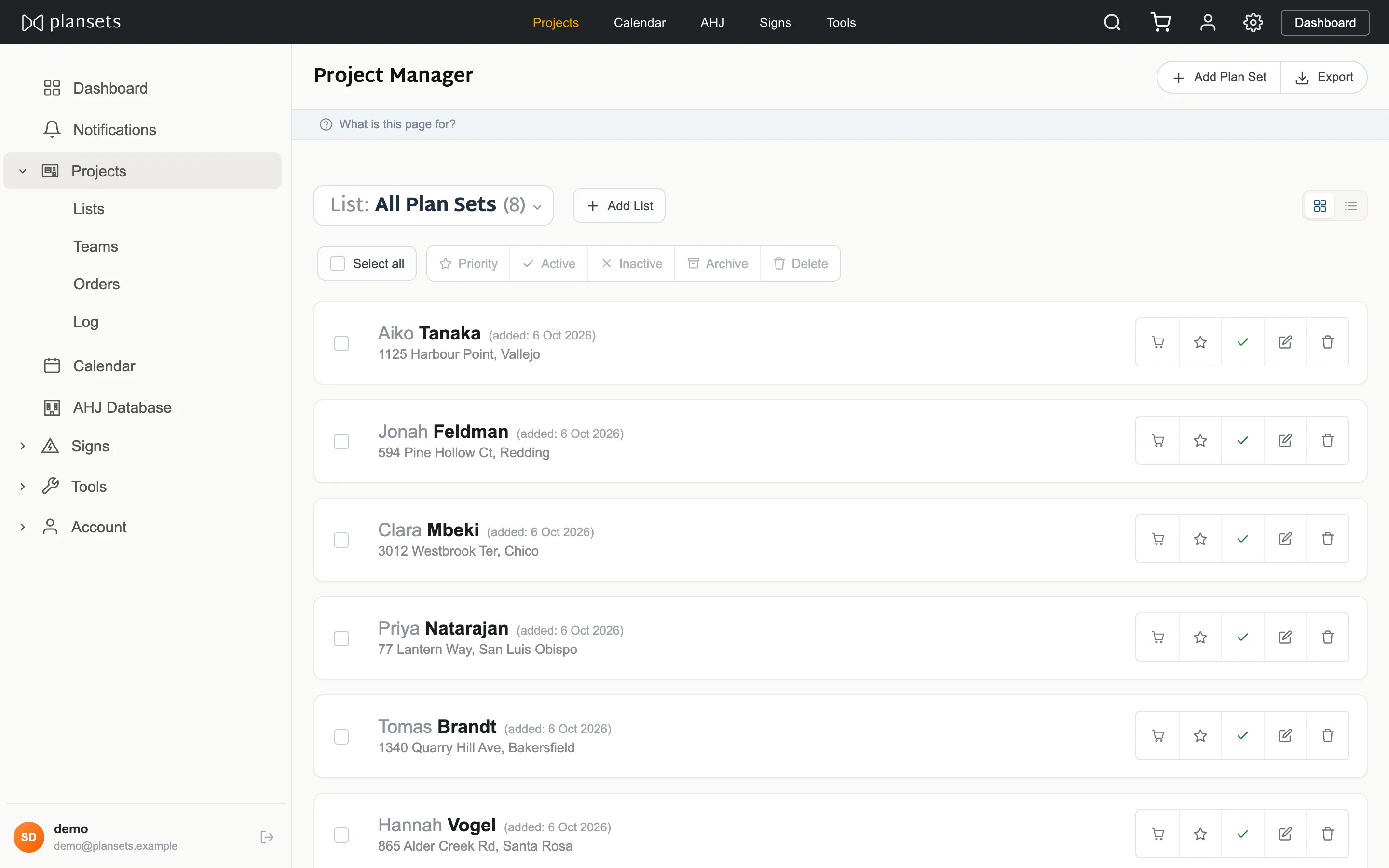
- The row appears straight away and fills in as the analysis finishes. No refresh needed.
How long it takes
Most finish in seconds. A PDF exported from design software is text we read directly. A scan or a photograph has to be read as an image first, which is slower and less certain.
Upload the whole document
Not one page. The labels are decided by equipment that is usually named only on the equipment schedule, and the positions come off the site plan.