User guide → Setting up your company
Chapter 9 of 9
Setting up your company
Worth ten minutes once, rather than repeating decisions on every job.
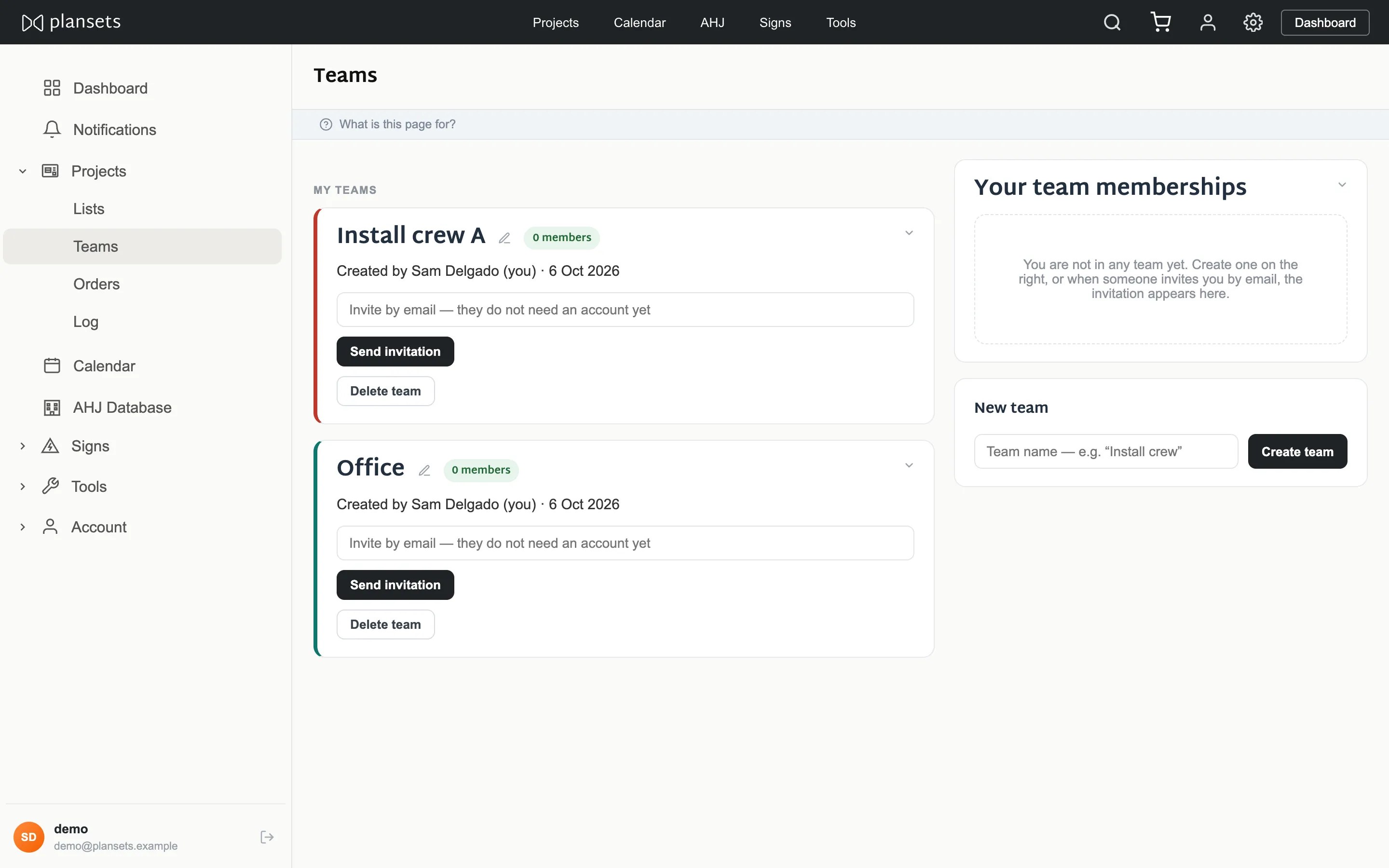
Teams
Everyone in your company sees every project. Teams set who owns what and drive the colour coding on the calendar. Invite by email — they do not need an account first.
Lists
Working sets — this week's installs, everything waiting on an inspector. A project can sit in as many as you like, and deleting a list never deletes the projects in it.
Standing choices
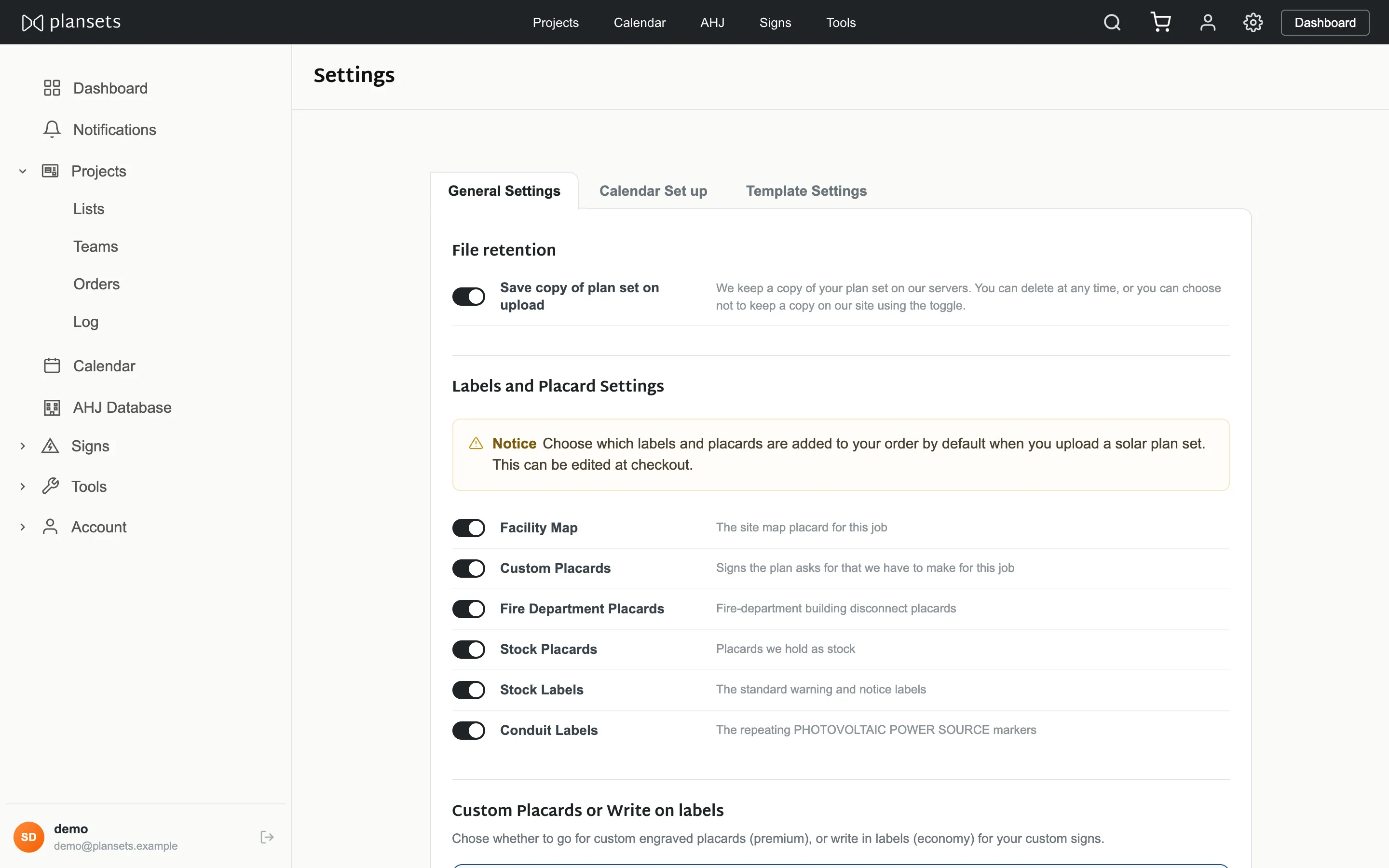
In Settings, and all of it applies company-wide to work from now on:
- Ordering preferences — which label sections are ticked by default.
- Write-in labels — blank for completion on site, or printed from the plan set.
- Expected dates — days from order to delivery, days from install to inspection.
- File retention — whether uploaded PDFs are kept.
- Message templates — the wording behind the send buttons.