User guide → Setting up your calendar
Chapter 7 of 9
Setting up your calendar
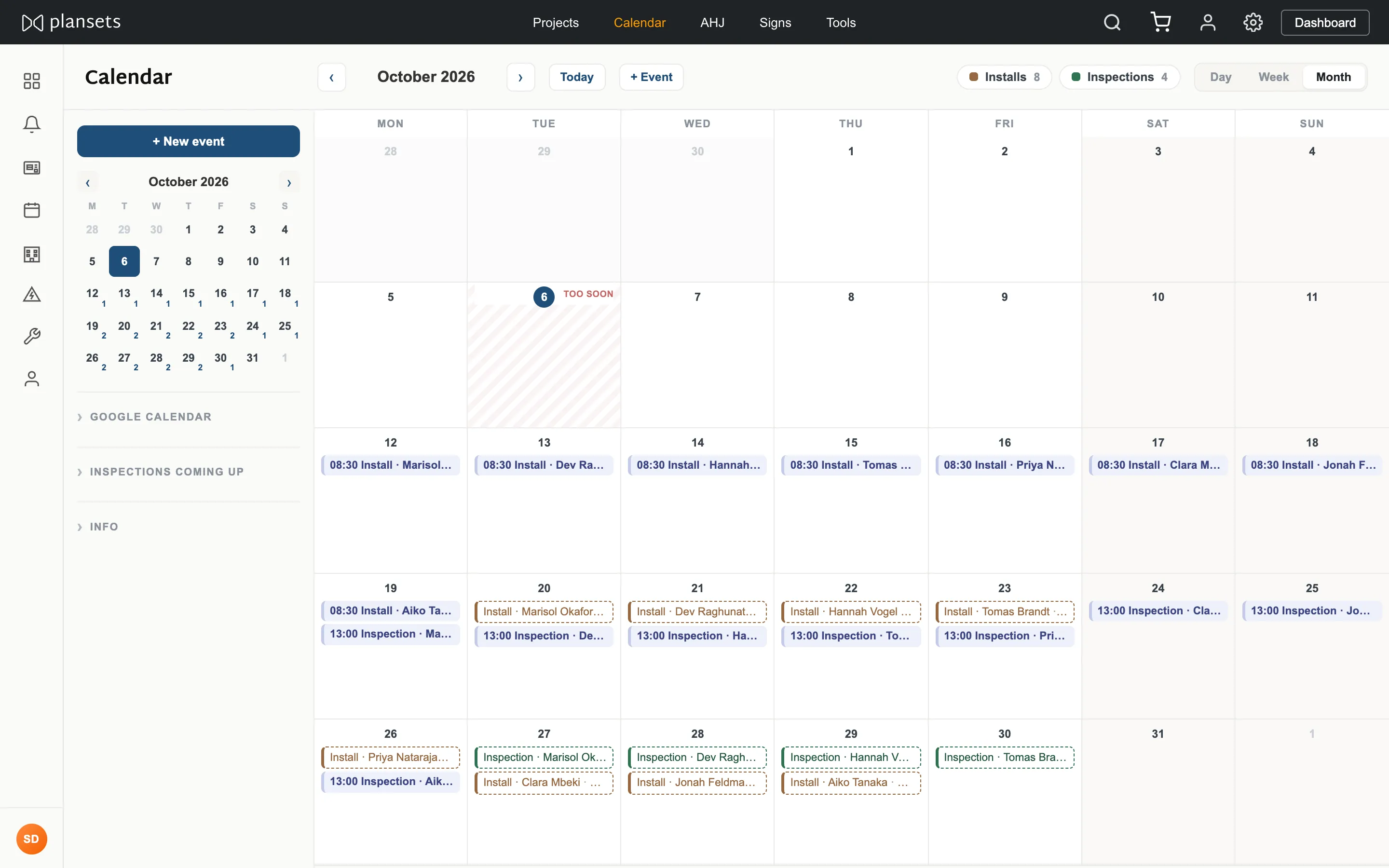
Every install and inspection for your company on one month view, with an optional link to Google Calendar.
Connect Google Calendar
- Settings → Calendar, or the panel on the calendar page.
- Press Connect, choose a Google account, approve.
The permission is
calendar.app.created — a calendar this app
created, and nothing else. It cannot read your existing calendars or your other events.Add dates
+ New event, then install or inspection, then a date. Attach it to a project and it shows there too.
Recording a date books nothing. The booking is made with the authority.