Projects
A project is one plan set and what happens to it: the permit, the install, the signs ordered, and the authority's sign-off.
Upload a plan set
Start Job creates the project, runs the analysis and produces the label quote.
- Drop in a PDF, or paste up to 50 links from Google Drive, Dropbox or Teams.
- The row appears at once and fills in as the analysis finishes. No refresh needed.
- The card then shows the equipment read and the labels it requires.
Read the quote
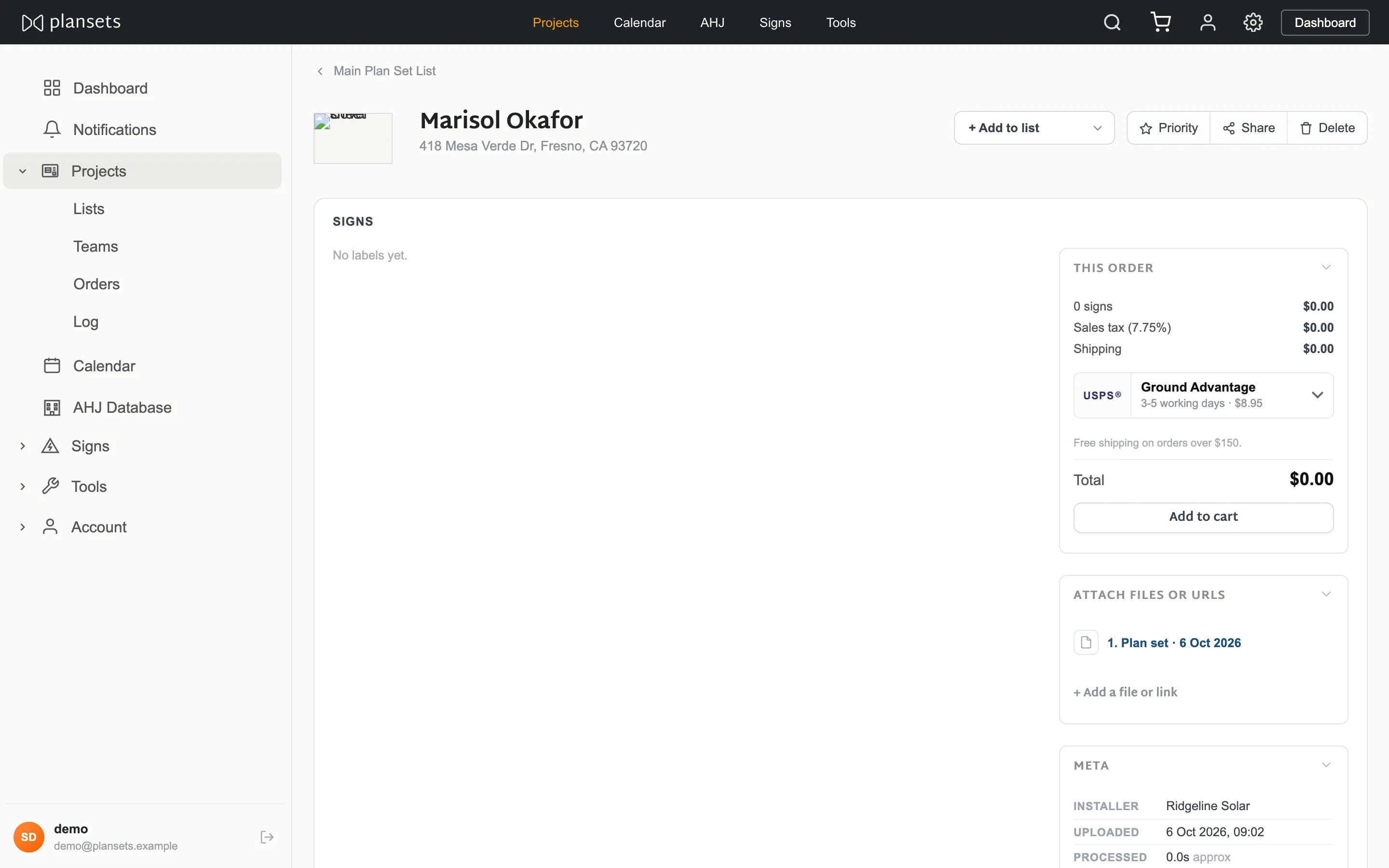
Expanding a card shows equipment — modules, inverters, batteries, meters, with manufacturer and model where the drawing names them — and the labels that equipment requires, grouped by where they go.
Individual cards and whole sections can be switched off before ordering.
The four stages
Permit to construct
Nothing may be built before this.
- Approved
- Awaiting approval
- Corrections requested
Install
On the roof.
- Hold
- Confirmed
- Complete
Signs ordered
The signs this plan set needs.
- Not ordered
- In production
- Shipped
- Delivered
- Cancelled
Inspection
The authority's sign-off.
- Hold
- Booked
- Passed
- Failed
Permit, install and inspection each take a date, a note and attached files. Signs ordered does not — it follows the order, so the two cannot disagree.
Buy the labels
- Check the sections wanted. Anything off is left out.
- Buy labels sends the set to the basket.
- The Signs ordered stage follows the order.
Inspection date
Set on the project, shown on the calendar to everyone in
your company, and downloadable as a single .ics.
Attachments
Permit, install and inspection each take files: the stamped permit, a photo of the array, a correction notice. Files are company-scoped and served only to people signed in to it.
Duplicates
A drawing uploaded more than once shows every upload and what happened to each. Common, not an error — the same job often arrives by email and again by hand.
Bulk
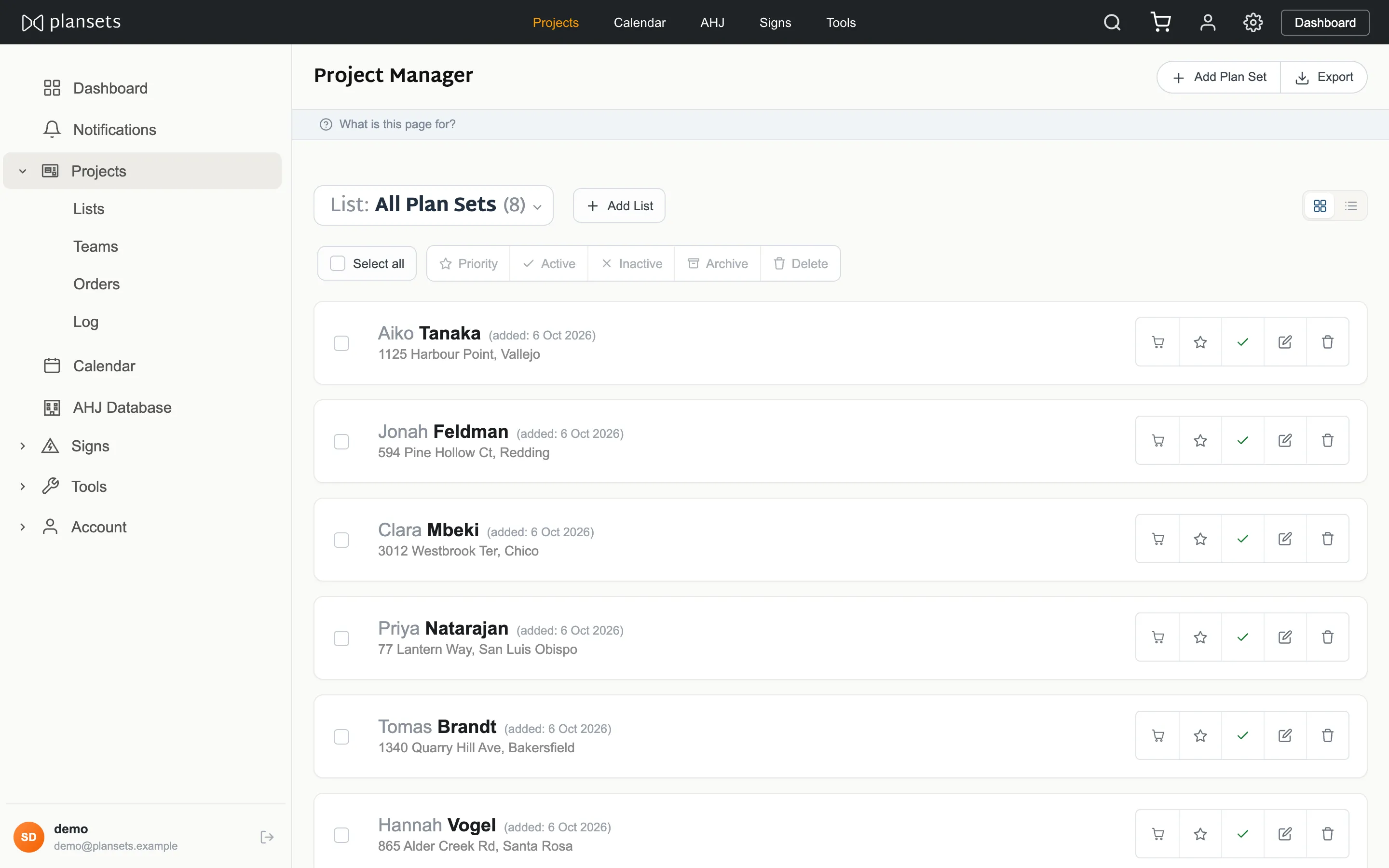
Tick several projects and set one state across them: priority, active, inactive or archived. The same selection can be moved into a list or deleted.
Export
Every plan set your company holds, one per row, as a spreadsheet.
Archive and delete
- Archive puts a project away and brings it back on request.
- Inactive leaves it in place, out of the working list.
- Delete is final. No trash, no undo, and the uploaded document goes with it.
Disputing a refusal
If a document was turned away and you disagree, say so from the project. It reaches us with the document attached.